ospf特殊区域
- 格式:doc
- 大小:577.50 KB
- 文档页数:13
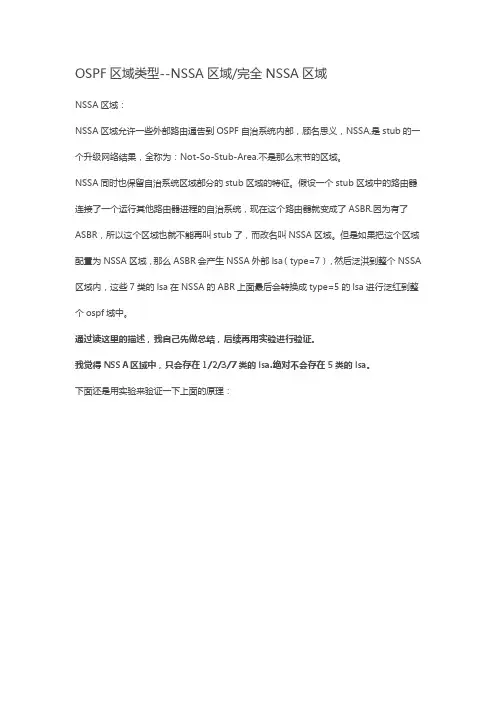
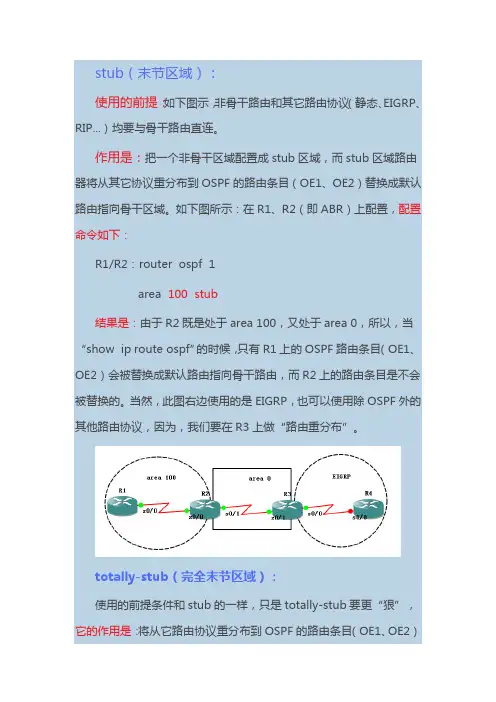
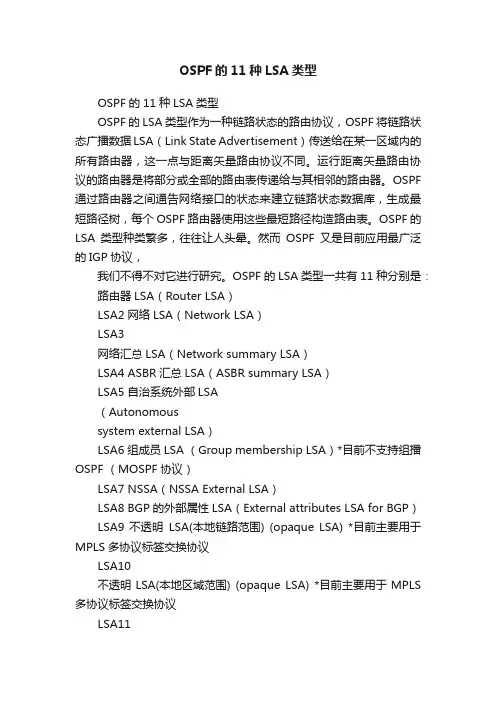
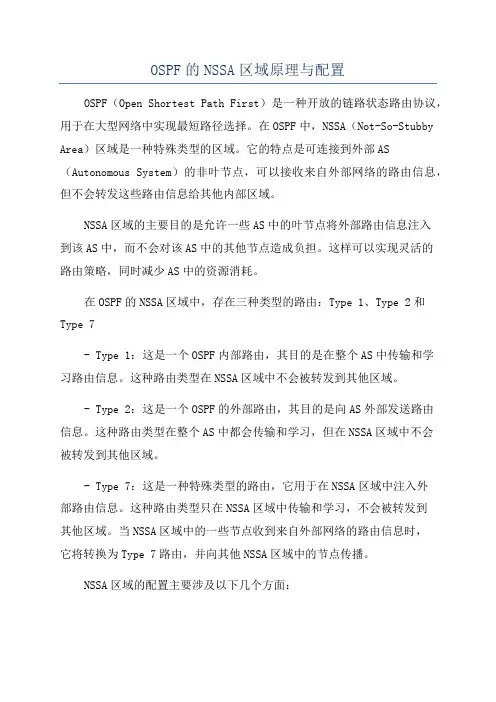
OSPF(stub,totally nssa,virtual-link)
实验目的:1、配置stub,totally nssa和虚链路
2、熟悉stub,totally nssa和虚链路的作用
实验拓扑1:
实验拓扑2(加入Area 3):
实验步骤:
加入Area 3之前(拓扑1),配置如“ospf-LSA”的ospf配置+重分布(ospf和eigrp的重分布)。
在区域2配置totally NSSA
R3
R3(config)#router ospf 110
R3(config-router)#area 2 nssa no-redistribution no-summary
R3(config-router)#exit
R3(config)#^Z
R3#wr
Building configuration...
[OK]
R4
R4(config)#router ospf 110
R4(config-router)#area 2 nssa
R4(config-router)#exit
*Mar 1 00:56:06.683: %OSPF-5-ADJCHG: Process 110, Nbr 33.33.33.33 on Serial0/0 from LOADING to FULL, Loading Done
R4(config)#^Z
R4#wr
Building configuration...
*Mar 1 00:56:13.523: %SYS-5-CONFIG_I: Configured from console by console[OK]
totally NSSA配置后,LSA信息显示如下
R1的5类和7类LSA被过滤。
R2的5类和7类LSA被过滤。
R3的5类和7类LSA被过滤,且区域2中有一条3类默认。
(注:此时R3路由表中没有3类默认)
R4的5类和7类LSA被过滤,且区域2中有一条3类默认(来自33.33.33.33)。
(注:R4路由表中有3类默认)
加入Area 3(拓扑2),在区域3 配置stub
R6
R6(config)#interface s0/0
R6(config-if)#ip address 14.1.1.1 255.255.255.252
R6(config-if)#no shut
R6(config-if)#exit
R6(config)#interface l0
R6(config-if)#ip address 6.6.6.6 255.255.255.0
R6(config-if)#exit
R6(config)#router ospf 100
R6(config-router)#router-id 66.66.66.66
R6(config-router)#network 6.6.6.0 0.0.0.255 area 3
R6(config-router)#network 14.1.1.0 0.0.0.3 area 3
R6(config-router)#exit
R6(config)#^Z
R6# R6#wr
*Mar 1 00:08:39.131: %SYS-5-CONFIG_I: Configured from console by consolewr Building configuration...
[OK]
R6(config)#router ospf 100
R6(config-router)#area 3 stub
R6(config-router)#exit
R6(config)#^Z
R6#wr
Building configuration...
*Mar 1 00:11:43.679: %SYS-5-CONFIG_I: Configured from console by console[OK] R1
R1(config)#interface s1/0
R1(config-if)#ip address 14.1.1.2 255.255.255.252
R1(config-if)#no shut
R1(config-if)#exit
R1(config)#router ospf 110
R1(config-router)#network 14.1.1.0 0.0.0.3 area 3
R1(config-router)#exit
R1(config)#^Z
R1#wr
Building configuration...
[OK]
R1(config)#router ospf 110
R1(config-router)#area 3 stub
R1(config-router)#exit
R1#wr
Building configuration...
*Mar 1 00:14:32.315: %SYS-5-CONFIG_I: Configured from console by console[OK] 配置virtual-link
R1
R1(config)#router ospf 110
R1(config-router)#area 1 virtual-link 22.22.22.22 (目标router ID)
R1(config-router)#exit
R1(config)#^Z
R1#wr
Building configuration...
[OK]
R2
R2(config)#router ospf 110
R2(config-router)#area 1 virtual-link 11.11.11.11(目标router ID)
R2(config-router)#^Z
R2(config-router)#exit
R2(config)#^Z
R2#wr
Building configuration...
*Mar 1 01:13:36.663: %SYS-5-CONFIG_I: Configured from console by console[OK] 检验虚链路畅通与否(ping回环口):
R6
区域3的stub和virtual-link配置后LSA信息如下: R1的5类7类被过滤,且有一条3类的默认路由。
R1路由表
R6的5类7类被过滤,且有一条来自11.11.11.11的3类的默认路由。
R6路由表
R2的5类7类被过滤,区域0的3类1.1.1.1和10.1.1.0,6.6.6.6和14.1.1.0来自于11.11.11.11,
这是加入区域3,建立虚链路之后R1作为ABR,因此会有这样一条信息。
区域0的1类有一条11.11.11.11来自于11.11.11.11。
在区域1的3类6.6.6.6和14.1.1.0来自于11.11.11.11,也是由于建立了虚链路的结果。
4类多了一条33.33.33.33来自于11.11.11.11。
R3的5类和7类LSA被过滤,区域0的1类11.11.11.11来自于本身,3类1.1.1.1,6.6.6.6,10.1.1.0和14.1.1.0来自于11.11.11.11,这也是建立了虚链路的结果。
R4的5类和7类LSA被过滤,没有4类LSA。
实验中要注意的问题:
1、在此实验中,建立虚链路时,使用的router ID(22.22.22.22和11.11.11.11)为目标routerID。
2、TotallyNSSA在区域2,R3和R4上面配置。
3、如果用NSSA,要在链接外网的路由器上面下放7类默认。
4、在实验中,使用stub之前使用了totally NSSA,那么5类LSA 在区域2(R4)就已经被过滤;
5、7类LSA的是通过ASBR生成的(来自于外部),会出现ospf数据库中有7类,而路由表中没有的情况,是正常的,不然的话R3哪来的7类。
6、下放的3类默认只下放到本区域内。
7、virtual-link之间(R1与R2之间)不允许stub,stub也不能在virtual-link中跨物理区域设置(eg:R6 ospf进程#area 3 stub,R2ospf 进程#area 3 stub),如此,R6不通。
(R6的stub 可以设置在区域1中,R2的stub可以设置在区域3中,但这样不构成ospf stub,在ospf中,stub是区域概念,stub 要配置在同一区域)。
除了用virtual-link,还有另外一种方法:tunnel,不同的是tunnel要有源和目的,还要选择模式,之后给tunnel配上IP地址,宣告到相应区域。
实验总结:除了stub和totallyNSSA,还有另外两种特殊区域,归纳如下
检验用到的命令:show ip interface brief查看接口状态
show ip ospf neighbor 查看ospf 邻居
show ip ospf neighbor detail 查看ospf 邻居的详细信息 show cdp neighbors 查看邻居(设备)
show cdp neighbors detail 查看邻居详细信息(设备)show ip route 查看路由表
show ip route ospf 查看ospf 路由表
show ip ospf database 查看ospf LSA信息
show ip ospf database router 查看ospf LSA详细信息。