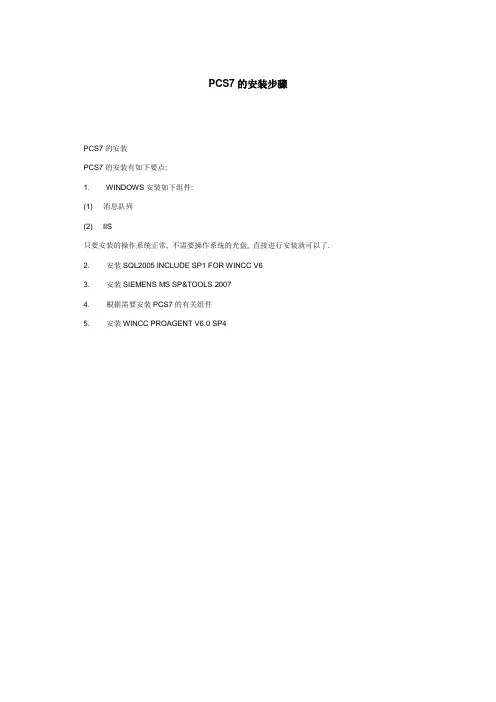
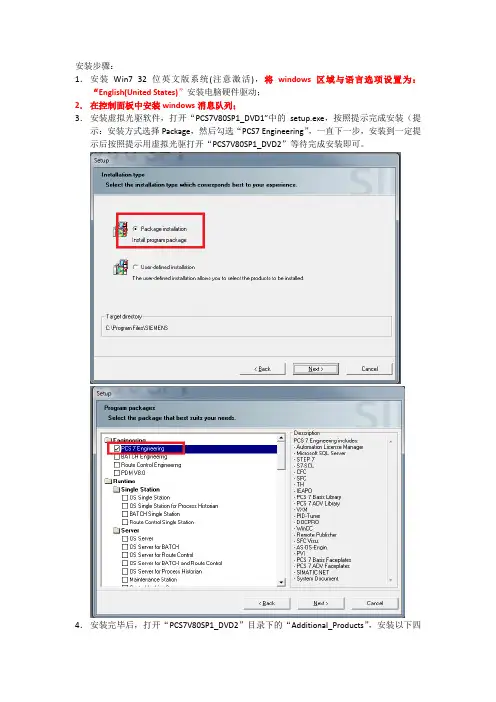
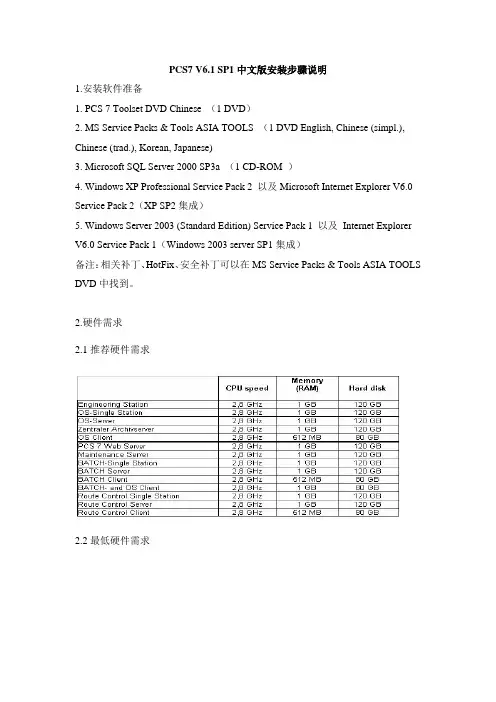
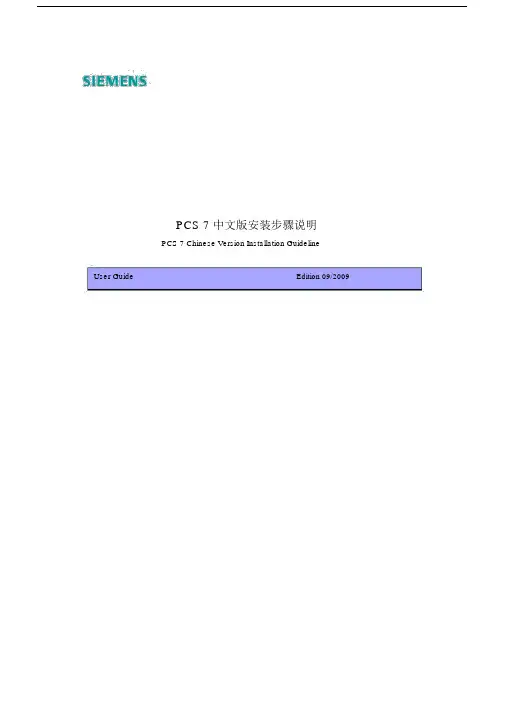
pcs7 安装方法
- 格式:doc
- 大小:2.50 MB
- 文档页数:18
PCS7 V7.0 SP1 中文版安装步骤说明 1.安装软件准备:1. PCS 7 Toolset Chinese V7.0 SP1 1 DVD 2. MS Service Packs & Tools Asia 1 DVD 3. Microsoft SQL Server 2005 SP1 for WinCC V6.2 1 DVD 4. Windows XP Professional Service Pack 2 英文版以及 Microsoft Internet Explorer V6.0 Service Pack 2 英文版(XP SP2 提供) 5. Windows Server 2003 (Standard Edition) Service Pack 2 以及 Internet Explorer V6.0 Service Pack 2 (Windows 2003 server SP2 提供) ※备注:相关补丁、HotFix、安全补丁可以在 MS Service Packs & Tools Asia DVD 中找到。
2.硬件需求:2.1 推荐硬件需求:ParametersBasic PC (see catalog) Processor Clock-pulse rate Second-level cache (SLC) Front-side bus (FSB) Work memory (RAM)Central engineering station with server OS client, operating system, central archive server, PCS 7 OS/SIMATIC BATCH BATCH/SIMATIC Route client, Control on a PC, Route Engineering station, Control client OS server, OS single station, maintenance station, PCS 7 Web server, OS client, and BATCH client on a PC, BATCH server, BATCH single station, Route Control server, Route Control single station SIMATIC Rack PC 547B Intel Core2Duo E6600 2.40 GHz 4 MB 1066 MHz 2.0 GB 1.0 GBHard diskPartition size Network adapters/Communications interfaces · For terminal bus communication 250 GB SATA RAID 1 array in servers and ES/OS single stations 250 GB SATA in client systems C:\ 50 GB · RJ45 on-board gigabit Ethernet250 GB SATAC:\ 50 GB · RJ45 on-board gigabit Ethernet· CP1613 A2 or BCE network adapter for · For plant bus communication engineering station and OS server · For all apart from engineering station: DVD-ROM Opt. drive DVD-ROM · For engineering station: DVD+/-RW SIMATIC Microbox PC Parameters SIMATIC BOX PC 627B 427B Processor Intel Core2Duo Mobile T7400 Pentium Mobile M738 Clock-pulse rate Second-level cache (SLC) Front-side bus (FSB) Work memory (RAM) Hard disk Partition size Network adapters/Communications interfaces Opt. drive Special features 2.2 最低硬件需求: 2.16 GHz 4 MB 667 MHz 2.0 GB 160 GB SATA C:\ 30 GB · 2 x RJ45 on-board gigabit Ethernet On-board CP5611 · In "SIMATIC PCS 7 BOX RTX" bundle, additional CP5613 A2 DVD-ROM 1.4 GHz 2 MB 400 MHz 1.0 GB Compact Flash card: 2.0 GB · 2 x RJ45 on-board gigabit Ethernet On-board CP5611Without fanCentral engineering station Engineering OS client, with server station, operating system, central archive server, BATCH client,SIMATIC PCS 7 BOX 416 (basic PC must be a BOX PC 627 or better)OS server,ParametersProcessor Clock-pulse rate Hard disk Minimum partition sizePCS 7 OS single OS/SIMATIC Route station, BATCH/SIMATIC Control maintenance Route Control on a client station, PC PCS 7 Web server, OS client and BATCH client on a PC, BATCH server, BATCH single station, Route Control server, Route Control single station Intel Pentium Intel Intel Pentium IV IV Pentium IV >= 2.0 GHz >= 120 GB C:\ 20 GB >= 2.0 GHz >= 120 GB C:\ 20 GB 1 GB · RJ45 connector (Fast Ethernet) >= 80 GB C:\ 20 GB 512 MBPentium Mobile 80 GB C:\ 20 GB 1 GB>= 2.0 GHz >= 2.0 GHzWork memory (RAM) Network adapters/Communications interfaces2 GB · RJ45 connector (Fast Ethernet)· RJ45 2 x RJ45 connector connectors (Fast (Fast Ethernet) Ethernet)· For terminal bus communication· CP1613 or BCE network adapter for engineering station and OS server· CP1613 or BCE network adapter for engineering station and OS serveravailable on BOX PC 627· For plant bus communication Opt. drive3.软件安装及设置:1. 系统分区需求: 为了方便数据备份,应将 PC 站硬盘分为下述分区: ● 用于操作系统和 PCS 7 安装:约 20 GB ● 用于 PCS 7 项目结构:超过 15 GB,可能有几个分区 ● 用于备份:备份到包含原始数据的 PC 或硬盘发生故障时不会受到影响的数据存储介质上,如 CD、MOD、 乃至网络。
实例 120 GB 硬盘的实例:DVD-ROMDVD-ROMDVD-ROM DVD-ROM盘符 C: D: ...大小 (GB) 20 60 ...驱动器名称 SYSTEM DATA BACKUP格式化 NTFS NTFS NTFS预期用途 操作系统安装和 PCS 7 安装 PCS 7 项目数据 备份文件2. 安装操作系统: Windows XP Professional SP2 英文版、 IE6.0 SP2 或 Windows 2003 Server SP2 英文版、 IE6.0 SP2。
3. 操作系统与 PCS7 版本兼容列表如下所示注:当前版本的 PCS7 均不支持中文版的操作系统;4. 其它设置: ● 对 Windows XP Professional > Control Panel -> Add or Remove Programs -> Add-Remove Windows Components 激活“Messenger Queuing”,如下图● 对 Windows Server 2003 > Control Panel -> Add or Remove Programs -> Add-Remove Windows Components 激活“Messenger Queuing”,如下图设置交换文件尺寸: 微软 windows 操作系统需要额外磁盘空间用于虚拟内存 (一般放在操作系统分区上) 。
磁盘尺寸推荐设置为系统物理内存的 1.5 到 2 倍。
并将硬盘初始和最大尺寸设成一致。
My Computer -> Properties -> Advanced -> Performance -> Settings Error Reporting:” Disable error reporting” 激活(缺省为关闭) My Network Places -> Properties -> LAN or High-Speed Internet Properties -> File and Printer sharing for Microsoft Networks “激活” Properties -> Maximize date throughput for network applications: “激活” (仅在 Windows Server 2003 上 有这个设置) My Computer -> Properties -> Advanced -> Performance注:右侧 Process Scheduling 设置中,除 Server、CAS 计算机设置为 Background service 外,其他设置 为 Programs My Computer -> Properties -> System Restore:关闭系统对所有驱动器的恢复关闭防火墙:Start -> Control Panel -> Windows Firewall,选择"General" tab -> Select the "Off" check box -> Click the "OK" button. 选择菜单命令“开始”(Start) >“设置”(Settings) >“控制面板”(Control Panel) >“管理工 具”(Administrative Tools) >“计算机管理”(Computer Management) >“本地用户和组” (Local Users and Groups) 以设置用户。