常用js代码大全汇总
- 格式:doc
- 大小:631.08 KB
- 文档页数:96
常用JS代码大全
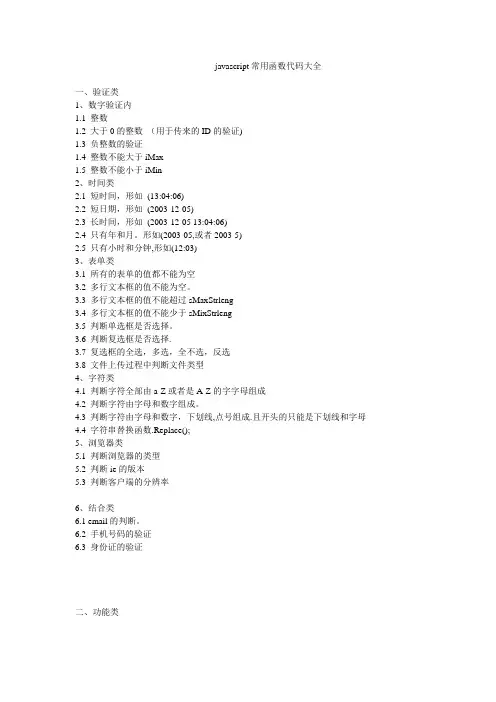
事件源对象
event.srcElement.tagName
event.srcElement.type
捕获释放
event.srcElement.setCapture();
event.srcElement.releaseCapture();
事件按键
event.keyCode
event.shiftKey
event.altKey
event.ctrlKey
事件返回值
event.returnValue
鼠标位置
event.x
event.y
窗体活动元素
document.activeElement
绑定事件
document.captureEvents(Event.KEYDOWN);
访问窗体元素
document.all("txt").focus();
document.all("txt").select();
窗体命令
document.execCommand
窗体COOKIE
document.cookie
菜单事件
document.oncontextmenu
创建元素
document.createElement("SPAN");
根据鼠标获得元素:
document.elementFromPoint(event.x,event.y).tagName=="TD
document.elementFromPoint(event.x,event.y).appendChild(ms)
窗体图片
document.images[索引]
窗体事件绑定
document.onmousedown=scrollwindow;
元素 document.窗体.elements[索引]
对象绑定事件
document.all.xxx.detachEvent('onclick',a);
插件数目
navigator.plugins
取变量类型
typeof($js_libpath) == "undefined"
下拉框
下拉框.options[索引]
下拉框.options.length
查找对象
document.getElementsByName("r1");
document.getElementById(id);
定时
timer=setInterval('scrollwindow()',delay);
clearInterval(timer);
UNCODE编码
escape() ,unescape
父对象
obj.parentElement(dhtml)
obj.parentNode(dom)
交换表的行
TableID.moveRow(2,1)
替换CSS
document.all.csss.href = "a.css";
并排显示
display:inline
隐藏焦点
hidefocus=true
根据宽度换行
style="word-break:break-all"
自动刷新
简单邮件
快速转到位置
obj.scrollIntoView(true)
锚
anchors
网页传递参数 location.search();
可编辑
obj.contenteditable=true
执行菜单命令
obj.execCommand
双字节字符
/[^\x00-\xff]/
汉字
/[\u4e00-\u9fa5]/
让英文字符串超出表格宽度自动换行
word-wrap: break-word; word-break: break-all;
透明背景
获得style内容
obj.style.cssText
HTML标签
document.documentElement.innerHTML
第一个style标签
document.styleSheets[0]
style标签里的第一个样式
document.styleSheets[0].rules[0]
防止点击空链接时,页面往往重置到页首端。
word
上一网页源
asp:
request.servervariables("HTTP_REFERER")
javascript.:
document.referrer
释放内存
CollectGarbage();
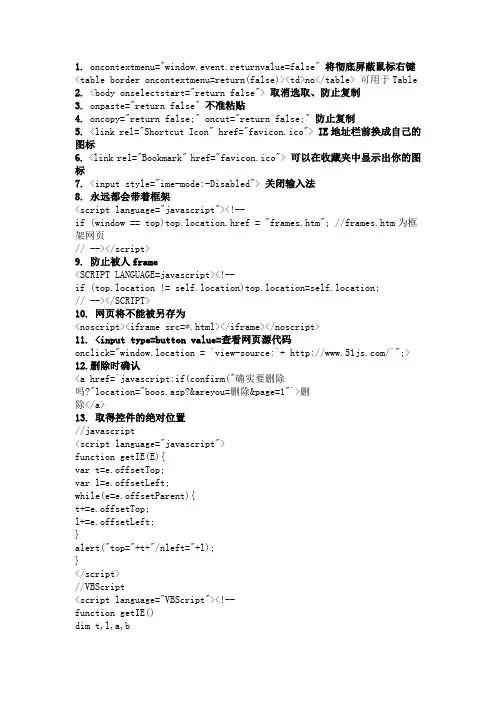
禁止右键
document.oncontextmenu = function() { return false;}
禁止保存
禁止选取
favicon.ico 名字最好不变16*16的16色,放虚拟目录根目录下
收藏栏图标
查看源码
关闭输入法
自动全选
ENTER键可以让光标移到下一个输入框
文本框的默认值
title换行
obj.title = "123 sdfs "
获得时间所代表的微秒
var n1 = new Date("2004-10-10".replace(/-/g, "\/")).getTime()
窗口是否关闭
win.closed
checkbox扁平
获取选中内容
document.selection.createRange().duplicate().text
自动完成功能
打开该功能
关闭该功能
关闭窗口
window.close();
返回
history.back();
无关闭按钮IE window.open("aa.htm", "meizz", "fullscreen=7");
统一编码/解码 alert(decodeURIComponent(encodeURIComponent("http://你好.com?as= hehe")))
encodeURIComponent对":"、"/"、";" 和 "?"也编码
高级应用(一)
页面跳转:
window.location.href('地址')
window.open('地址', '_self')
打开新窗口:
window.open('地址', '_blank')
只显示地址栏:window.open('地址', 'title', 'location=1, height=200, width=500')
只显示状态栏:window.open('地址', 'title', 'status=1')
只显示工具栏:window.open('地址', 'title', 'toolbar=1') 只显示菜单栏:window.open('地址', 'title', 'menubar=1')
一个不少:window.open('地址', 'title)
光棍但可以调整大小:window.open('地址', 'title', 'resizable=1')
去掉所有空格:
Object.replace(/^\s+|\s+$/g, "")
屏蔽鼠标:
ncontextmenu="window.event.returnValue=false"
取消选取:
nselectstart="return false"
不允许粘贴:
npaste="return false"
关闭输入法:
不允许另存为:
得到上一页来源:
document.referrer
弹出窗口总在最上:
弹出确认对话框:
comfirm('文本')"