计算机网络实验报告 VLAN间通信
- 格式:doc
- 大小:274.00 KB
- 文档页数:7
1 实验:VLAN隔离及VLAN间通信
一、 VLAN/802.1Q—本交换机隔离
一、实验目的
1.理解并掌握VLAN的作用及特点。
2.熟悉交换机的基本配置,学会在交换机上划分VLAN及如何将接口划分到指定的VLAN中,学会给两台交换机互连的端口配置TRUNK模式。
3.学会利用VLAN的虚拟接口,使处于不同VLAN间的计算机也可以进行通讯。
二、实验内容及步骤
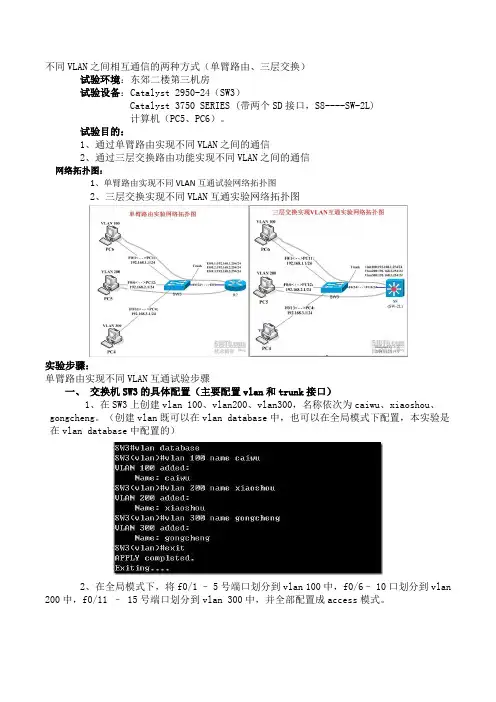
1.实验用到的拓扑图
2.实验过程
清空交换机原有VLAN配置,新建两个VLAN 10、VLAN 20并将f0/5口加入VLAN 10,
将f0/15口加入VLAN 20。
3.交换机配置命令
SW1#show vlan
VLAN Name Status Ports
---- -------------------------------- --------- -----------------------------------
1 VLAN0001 STATIC Fa0/1, Fa0/2, Fa0/3, Fa0/4
Fa0/5, Fa0/6, Fa0/7, Fa0/8
Fa0/9, Fa0/10, Fa0/11, Fa0/12
Fa0/13, Fa0/14, Fa0/15, Fa0/16
Fa0/17, Fa0/18, Fa0/19, Fa0/20
Fa0/21, Fa0/22, Fa0/23, Fa0/24
Gi0/25, Gi0/26, Gi0/27, Gi0/28
SW1#config terminal PC1:
Ethernet adapter 本地连接:
Connection-specific DNS Suffix :
IP Address: 192.168.10.11
Subnet Mask: 255.255.255.0
Default Gateway : PC2:
Ethernet adapter 本地连接:
Connection-specific DNS Suffix :
IP Address: 192.168.20.22
Subnet Mask: 255.255.255.0
Default Gateway : 2 Enter configuration commands, one per line. End with CNTL/Z.
SW1(config)#vlan 10
SW1(config-vlan)#name test10
SW1(config-vlan)#exit
SW1(config)#vlan 20
SW1(config-vlan)#name test20
SW1(config-vlan)#exit
SW1(config)#interface fastEthernet 0/5
SW1(config-if)#switchport access vlan 10
SW1(config-if)#exit
SW1(config)#interface fastEthernet 0/15
SW1(config-if)#switchport access vlan 20
SW1(config-if)#end
SW1#May 15 11:45:06 SW1 %5:Configured from console by console
三、实验结果
PC2与PC1不能相互ping通
Pinging 192.168.20.22 with 32 bytes of data:
Destination host unreachable.
Destination host unreachable.
Destination host unreachable.
Destination host unreachable.
Ping statistics for 192.168.20.22:
Packets: Sent = 4, Received = 0, Lost = 4 (100% loss),
Approximate round trip times in milli-seconds:
Minimum = 0ms, Maximum = 0ms, Average = 0ms
二、VLAN/802.1Q—跨交换机VLAN
一、实验内容及步骤
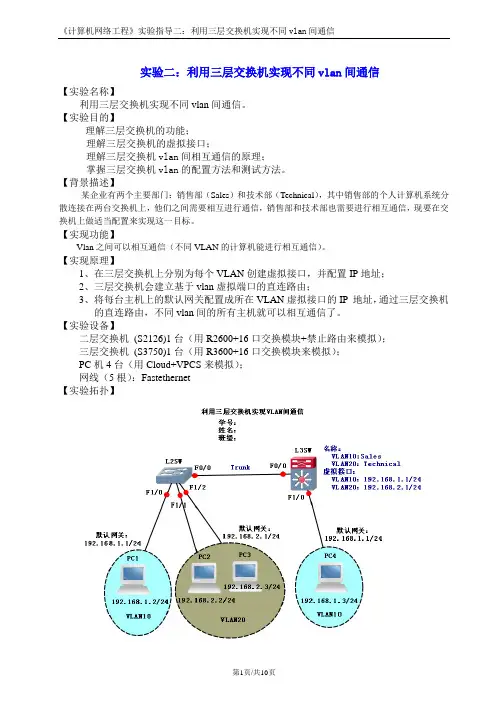
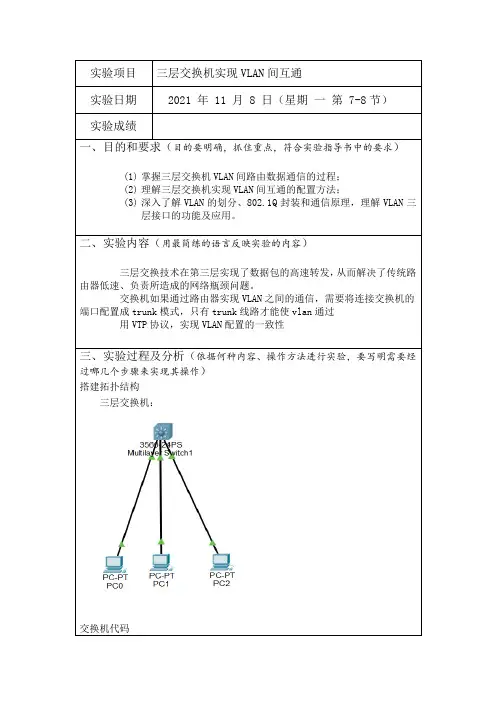
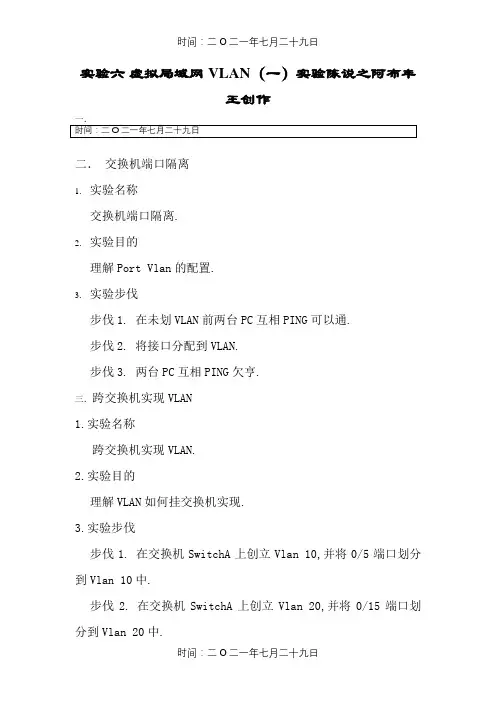
1.实验拓扑图
2.实验过程
两台交换机的f0/24互联,其中一台交换机的f0/5和f0/15连接PC1和PC2,另一台交换机的f0/5接PC3
3.交换机配置命令 3 SW1#show vlan
VLAN Name Status Ports
---- -------------------------------- --------- -----------------------------------
1 VLAN0001 STATIC Fa0/1, Fa0/2, Fa0/3, Fa0/4
Fa0/5, Fa0/6, Fa0/7, Fa0/8
Fa0/9, Fa0/10, Fa0/11, Fa0/12
Fa0/13, Fa0/14, Fa0/15, Fa0/16
Fa0/17, Fa0/18, Fa0/19, Fa0/20
Fa0/21, Fa0/22, Fa0/23, Fa0/24
Gi0/25, Gi0/26, Gi0/27, Gi0/28
SW1#config terminal
Enter configuration commands, one per line. End with CNTL/Z.
SW1(config)#vlan 10
SW1(config-vlan)#name test10
SW1(config-vlan)#vlan 20
SW1(config-vlan)#name test20
SW1(config-vlan)#exit
SW1(config)#interface fastEthernet 0/5
SW1(config-if)#switchport access vlan 10
SW1(config-if)#exit
SW1(config)#interface fastEthernet 0/15
SW1(config-if)#switchport access vlan 20
SW1(config-if)#exit
SW1(config)#interface fastEthernet 0/24
SW1(config-if)#switchport mode trunk
SW1(config-if)#end
SW1#May 15 11:50:34 SW1 %5:Configured from console by console
SW1#show vlan
VLAN Name Status Ports
---- -------------------------------- --------- -----------------------------------
1 VLAN0001 STATIC Fa0/1, Fa0/2, Fa0/3, Fa0/4
Fa0/6, Fa0/7, Fa0/8, Fa0/9
Fa0/10, Fa0/11, Fa0/12, Fa0/13
Fa0/14, Fa0/16, Fa0/17, Fa0/18
Fa0/19, Fa0/20, Fa0/21, Fa0/22
Fa0/23, Fa0/24, Gi0/25, Gi0/26
Gi0/27, Gi0/28
10 test10 STATIC Fa0/5, Fa0/24
20 test20 STATIC Fa0/15, Fa0/24
SW1#show int f0/24 switchport