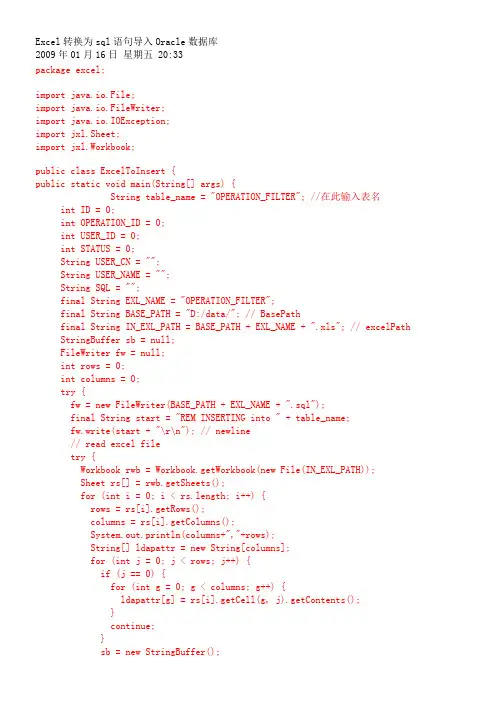
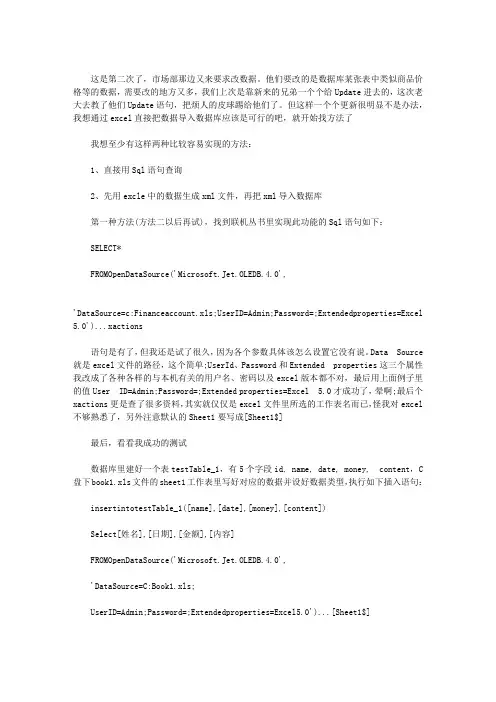
EXCEL文件导入到ORACLE数据库
- 格式:docx
- 大小:51.31 KB
- 文档页数:3
EXCEL文件导入到ORACLE数据库
1. excel文件:
2. 首先将excel文件另存为“文本文件(制表符分隔)”:
3. 进入oracle创建相应的表结构:
create table test (name varchar(255),age varchar(20),sex
varchar(10),idcard varchar(255),address varchar(255));
4. 创建控制文件,保存为input.ctl:
load data
infile 'test.txt'
append into table test
fields terminated by X'09'
(name,age,sex,idcard,address)
5. 使用SQL*Loader命令实现数据的输入:
sqlldr userid=scott/tiger control=input.ctl
6. 进入scott用户查看输入的数据:
这里发现输入的汉子都是乱码,因此需要查看oracle服务端和客户端之间的字符集是否匹配:
7. ORACLE服务端字符集:
select parameter,value from nls_database_parameters where parameter =
'NLS_CHARACTERSET';
PARAMETER VALUE
------------------------------
----------------------------------------
NLS_CHARACTERSET ZHS16GBK
select userenv('language') from dual;
USERENV('LANGUAGE')
----------------------------------------------------
AMERICAN_AMERICA.ZHS16GBK
ORACLE客户端字符集:
echo $NLS_LANG
因此需要将客户端字符集也设置为与服务端字符集一致: export NLS_LANG="simplified chinese"_china.zhs16gbk
7. 最后重新使用SQL*Loader进行数据输入:
sqlldr userid=scott/tiger control=input.ctl
再进入scott用户查看输入的数据: