
js实现计算器功能
- 格式:pdf
- 大小:161.41 KB
- 文档页数:4
js实现计算器功能
本⽂实例为⼤家分享了js实现计算器功能的具体代码,供⼤家参考,具体内容如下
知识点
eval() 函数可计算某个字符串,并执⾏其中的的 JavaScript 代码。
代码如下
计算器
.h1{
position: relative;
color:blueviolet;
font-size:50px;
text-align: center;
top:50px;
}
.box{
width:500px;
position: relative;
top: 100px;
left:50%;
margin-left: -250px;
text-align: center;
background: #495678;
padding:80px 0;
border-radius: 20px;
box-shadow: 4px 4px #3d4a65;
}
.btn{
background:rgba(255,192,203,0.8);
border: 1px solid pink;
cursor:pointer;
outline:none; font-size:30px;
margin:10px 15px;
height: 70px;
width: 70px;
box-shadow: 0 5px #1a1313de;
}
.btn:active{
transform: translateY(2px);
}
.btn:first-child{
margin-left:-300px;
}
#display{
overflow: hidden;
box-sizing: border-box;
padding-right:18px;
text-align: right;
outline: none;
border:1px solid #4caf50;
color:yellow;
font-size: 30px;
width:280px;
position: absolute;
height: 50px;
top:95px;
right:55px;
background-color: #4caf50;
}
#display,.btn,.box{
border-radius:35px;
}
.operator{
background:orange;
}
.other{
background:white;
}
//清空
document.getElementById("clear").addEventListener("click",function(){
document.getElementById("display").value="";
});
//运算
function get(value) {
document.getElementById("display").value+=value;
}
//结果
function calculates() {
var result=0;
result=document.getElementById("display").value;
document.getElementById("display").value = eval(result);
}
效果图
以上就是本⽂的全部内容,希望对⼤家的学习有所帮助,也希望⼤家多多⽀持。
合集下载

JS实现的图片预览功能
JS实现的图⽚预览功能
之前的博⽂有实现过图⽚上传预览,但那种⽅法是预览时就将图⽚上传,会产⽣很⼤的浪费空间。找到了之前有⼈写的⽤JS实现的图⽚预览,就说⽤js
将上传的图⽚显⽰,上传代码在之前的博⽂中有写到。
以下是实现的代码:
⼤体上前台预览有两种,第⼀种是把图⽚在浏览器上做缓存,然后获取缓存地址;第⼆种是将图⽚转换为base64 字符串。
body:
js:
function setImagePreview(avalue) {
var docObj = document.getElementById("doc");
var imgObjPreview = document.getElementById("preview");
if(docObj.files && docObj.files[0])
{
//⽕狐下,直接设img属性
imgObjPreview.style.display = 'block';
imgObjPreview.style.width = '150px';
imgObjPreview.style.height = '180px';
//imgObjPreview.src = docObj.files[0].getAsDataURL();
//⽕狐7以上版本不能⽤上⾯的getAsDataURL()⽅式获取,需要⼀下⽅式
imgObjPreview.src = window.URL.createObjectURL(docObj.files[0]);
}
else
{
//IE下,使⽤滤镜
docObj.select();
var imgSrc = document.selection.createRange().text;
var localImagId = document.getElementById("localImag"); //必须设置初始⼤⼩

JS实现简易计算器的7种方法
JS实现简易计算器的7种⽅法
先放图(好吧⽐较挫)
⽅法⼀:最容易版
简易计算器
+
=
2
⽅法⼆:结构和⾏为分离
简易计算器
+
=
2
⽅法三:循环绑定事件
简易计算器
+
=
2
⽅法四:提取函数
简易计算器

超级简易的JS计算器(实现加减乘除)
超级简易的JS计算器(实现加减乘除)
简单的计算器
简易计算器
+
-
*
/
7
8
9
0
4
5
6
.
1
2
3
=
对于这个程序来说,判断的顺序⾮常重要,不然就会把"+"号存在s2,s4中⽽不是s3中。
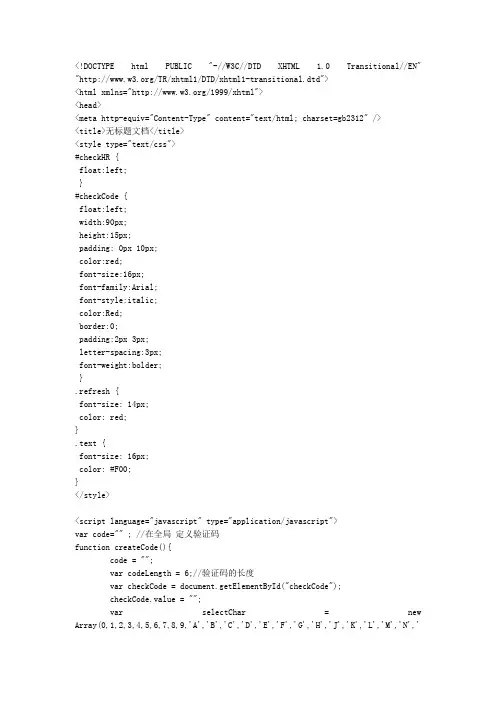
js实现验证码功能
"/TR/xhtml1/DTD/xhtml1-transitional.dtd">
无标题文档
请输入验证码:
style="height:15px;"/>
onclick="createCode()";>
- 1、下载文档前请自行甄别文档内容的完整性,平台不提供额外的编辑、内容补充、找答案等附加服务。
- 2、"仅部分预览"的文档,不可在线预览部分如存在完整性等问题,可反馈申请退款(可完整预览的文档不适用该条件!)。
- 3、如文档侵犯您的权益,请联系客服反馈,我们会尽快为您处理(人工客服工作时间:9:00-18:30)。