c++多线程实现方法
- 格式:doc
- 大小:14.48 KB
- 文档页数:8
- 1 - c++多线程实现方法
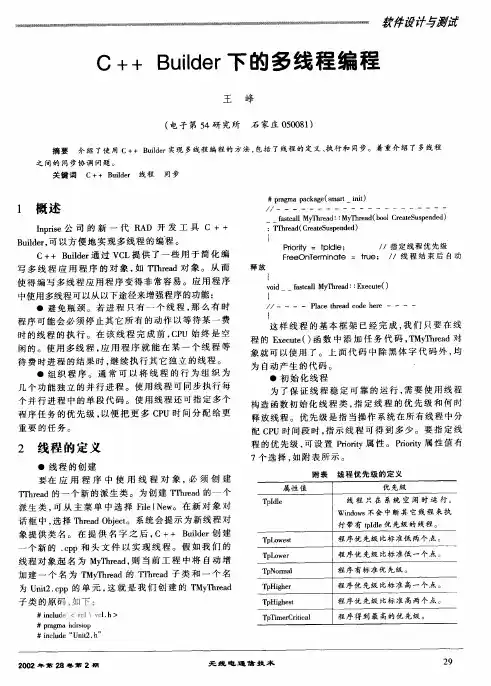
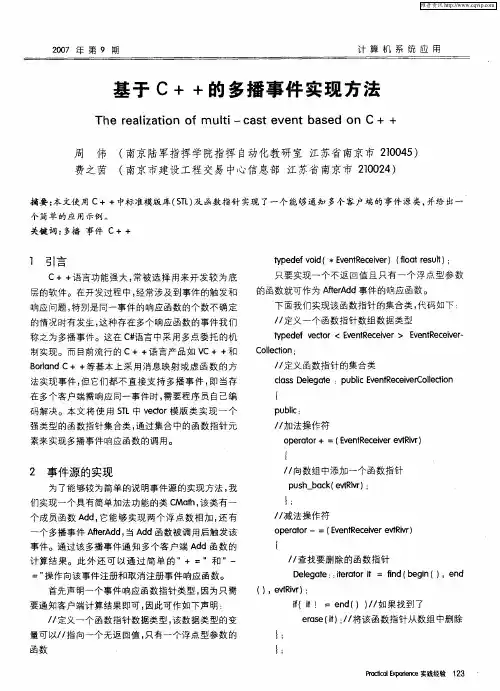
C++是一种强大的编程语言,其在多线程编程方面表现出色。为了实现多线程,需要使用C++中的线程库。下面是C++多线程实现方法的详细介绍。
1. 创建线程
要创建一个线程,需要使用C++中的thread类。创建线程的基本语法如下:
```
#include
void myFunction()
{
// do something
}
int main()
{
std::thread t(myFunction); // 创建线程
t.join(); // 等待线程结束
return 0;
}
```
2. 传递参数
如果需要向线程传递参数,可以通过将参数传递给线程构造函数 - 2 - 来实现。
```
#include
void myFunction(int x)
{
// do something with x
}
int main()
{
int x = 42;
std::thread t(myFunction, x); // 向线程传递参数
t.join(); // 等待线程结束
return 0;
}
```
3. 多线程同步
在多线程编程中,同步是一项重要的任务。C++中提供了多种同步机制,如互斥锁和条件变量。
互斥锁是一种保护共享资源的机制。在访问共享资源之前,线程必须获取互斥锁。在完成操作后,线程必须释放互斥锁,以便其他线程可以访问共享资源。
``` - 3 - #include
std::mutex myMutex; // 定义互斥锁
void myFunction()
{
myMutex.lock(); // 获取互斥锁
// do something with shared resource
myMutex.unlock(); // 释放互斥锁
}
int main()
{
std::thread t1(myFunction);
std::thread t2(myFunction);
t1.join();
t2.join();
return 0;
}
```
条件变量是一种允许线程在特定条件下等待的机制。在等待条件满足时,线程被阻塞,直到其他线程发出条件变量信号。
```
#include
#include
std::condition_variable myCondVar; // 定义条件变量
void myFunction()
{
std::unique_lock
// do something
myCondVar.wait(myLock); // 等待条件变量
// do something else
myLock.unlock(); // 释放互斥锁
}
int main()
{
std::thread t1(myFunction);
std::thread t2(myFunction);
myCondVar.notify_one(); // 发送条件变量信号
t1.join();
t2.join();
return 0;
}
```
4. 线程池 - 5 - 在实际应用中,经常需要创建大量的线程,这可能会导致性能问题。为了解决这个问题,可以使用线程池来管理线程。
```
#include
#include
#include
#include
class ThreadPool
{
public:
ThreadPool(int numThreads) : stopped(false)
{
for(int i = 0; i < numThreads; i++)
{
workers.emplace_back(std::bind(&ThreadPool::work,
this));
}
}
~ThreadPool()
{
{
std::unique_lock
}
condition.notify_all();
for(auto& worker : workers)
{
worker.join();
}
}
template
void enqueue(F&& f, Args&&... args)
{
{
std::unique_lock
tasks.emplace(std::bind(std::forward
std::forward
}
condition.notify_one();
}
private:
std::vector
std::queue
std::mutex queueMutex; - 7 - std::condition_variable condition;
bool stopped;
void work()
{
while(true)
{
std::function
{
std::unique_lock
condition.wait(lock, [this]() { return stopped
|| !tasks.empty(); });
if(stopped && tasks.empty())
{
return;
}
task = std::move(tasks.front());
tasks.pop();
}
task();
}
}
}; - 8 - void myFunction(int x)
{
// do something with x
}
int main()
{
ThreadPool pool(4); // 创建线程池
for(int i = 0; i < 8; i++)
{
pool.enqueue(myFunction, i); // 向线程池添加任务
}
return 0;
}
```
以上就是C++多线程实现方法的详细介绍。通过使用C++中的线程库,可以方便地实现多线程编程,并充分发挥多核CPU的性能优势。